






















Zooming every day, all day?! We’ve created some fun Aerie wallpapers that’ll transport you to a pretty place while you’re at-home. Read on to preview our backgrounds, download your faves and learn how to use them.
How to use:
- Click the download link below the background you want to use.
- Save the wallpaper to your computer.
- Once in a Zoom meeting, click the ^ arrow next to “Start/Stop Video”.
- Click on the “Choose a virtual background” in the pop-up menu.
- Turn on the virtual background option.
- Click “Upload Image” and upload the saved wallpaper.
- Enjoy your new background during meetings, calls with family, friends and more!
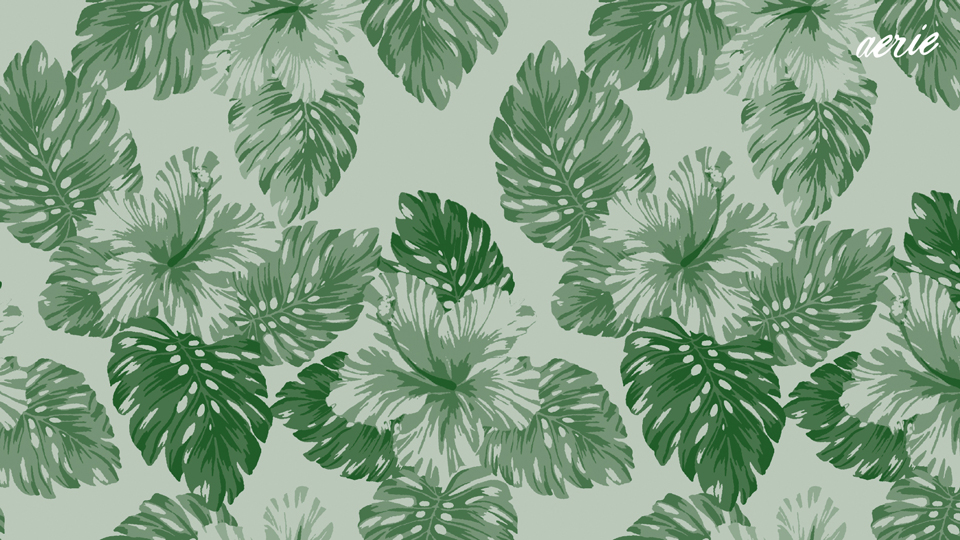
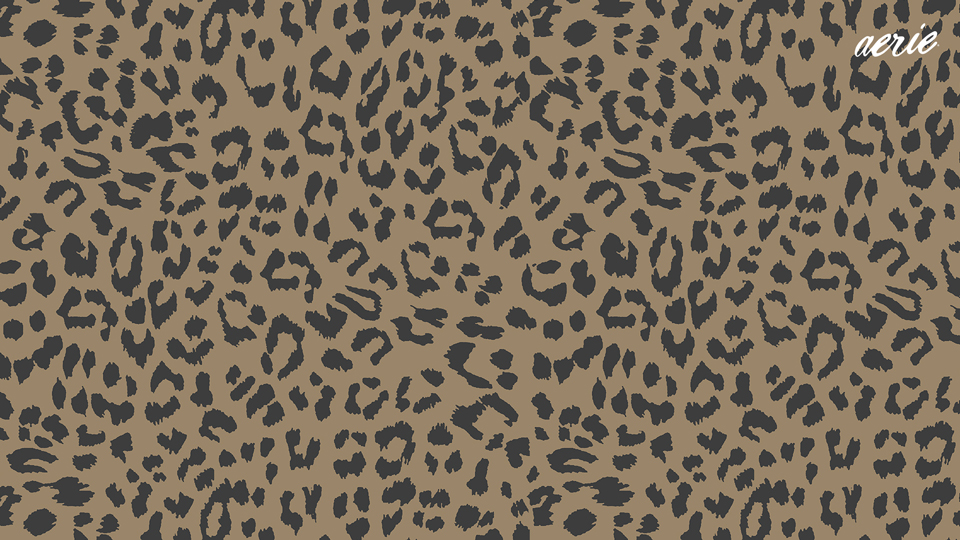
Pretend you’re on an island oasis or pretty-up your background with some fun patterns! Download some of our cute backgrounds below to get started.
Go on an island escape!










Pick a pretty pattern!






What background is your fave?! Comment below & tell us!